

Social Media for Everyone
Learn how to make sure your message is received and understood by all.
Course Overview
Why Does it Matter?
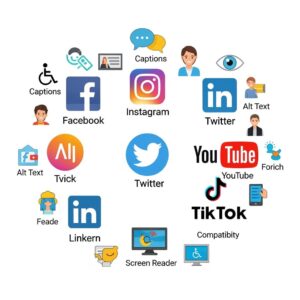
This course will teach you how to make your social media posts more accessible and inclusive. That means making content that everyone can enjoy—including people with disabilities.
You don’t need to be a tech expert or a professional designer to make your posts more accessible. All it takes is a little knowledge, some good habits, and tools that make it easier to do the right thing.
By the end of this course, you’ll know simple ways to improve your posts so that more people can understand, enjoy, and interact with them.
What You’ll Learn
In this course, you’ll explore:
- What accessibility means and why it matters online
- How to write alt text and captions for your posts
- How to choose the right colors and fonts
- How to use hashtags, emojis, and plain language in better ways
- Which tools can help you check and improve your posts
- How to take feedback and keep learning
Intended Audience
- Students
- Partners
- Public
- Content Creators
Course Content
Why Accessibility Matters on Social Media
You don't currently have access to this content
Making Accessible Social Media Content
You don't currently have access to this content
Social Media Accessibility
You don't currently have access to this content